Join the 250 organizations that manage their quality with Agilium. Our experts based in Grenoble will guide you every step of the way—no offshore staff, no surprises.
It takes you two weeks to prepare for the management review
Manually compiled from disparate sources, with no guarantee that the data is up to date or consistent across departments.
01
You're driving while looking in the rearview mirror
You don’t realize that an indicator is off target until the annual review, by which time it’s too late to take action.
02
There is no connection between a red indicator and the actions to be taken
When it flashes, switch to another tool to open an action plan—without automatically logging in.
03
It is not possible to get a consolidated view
If you have multiple sites or entities, each one reports its own numbers separately, and no one has a real-time overview.
04
Why
You have warning signs. But you always notice them too late.
You have metrics. They’re in Excel files sent by each department head, in dashboards cobbled together in PowerPoint, and sometimes manually extracted from the ERP system. Two weeks before the management review, you start the same process all over again: following up with the project leads, compiling the data, standardizing the formats, and fixing broken formulas.
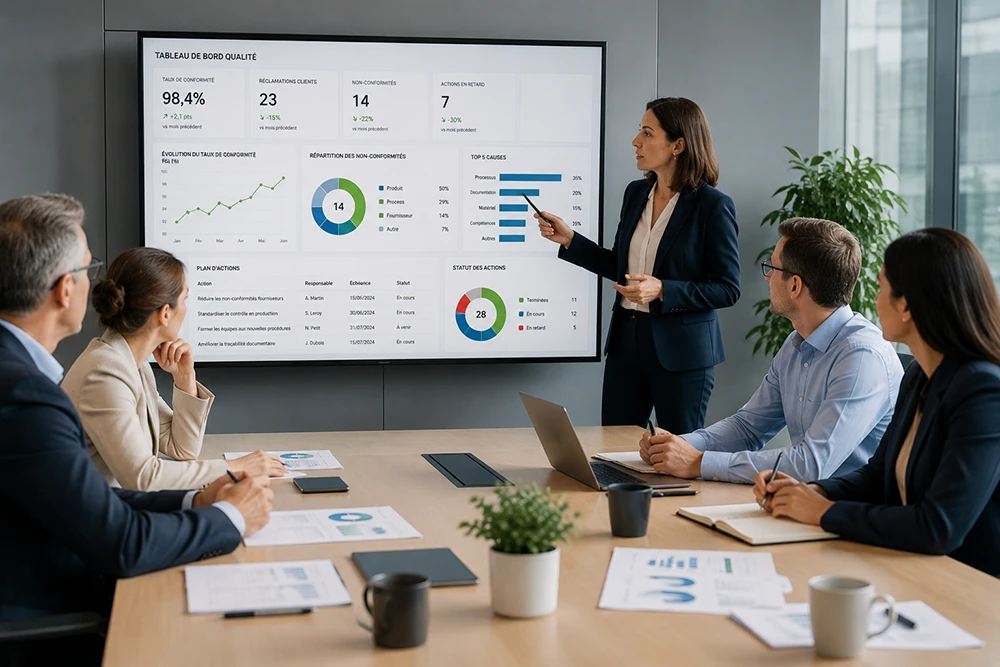
You walk into a meeting with a review of the past, not a view of the present. And no one around the table is looking at the same numbers.
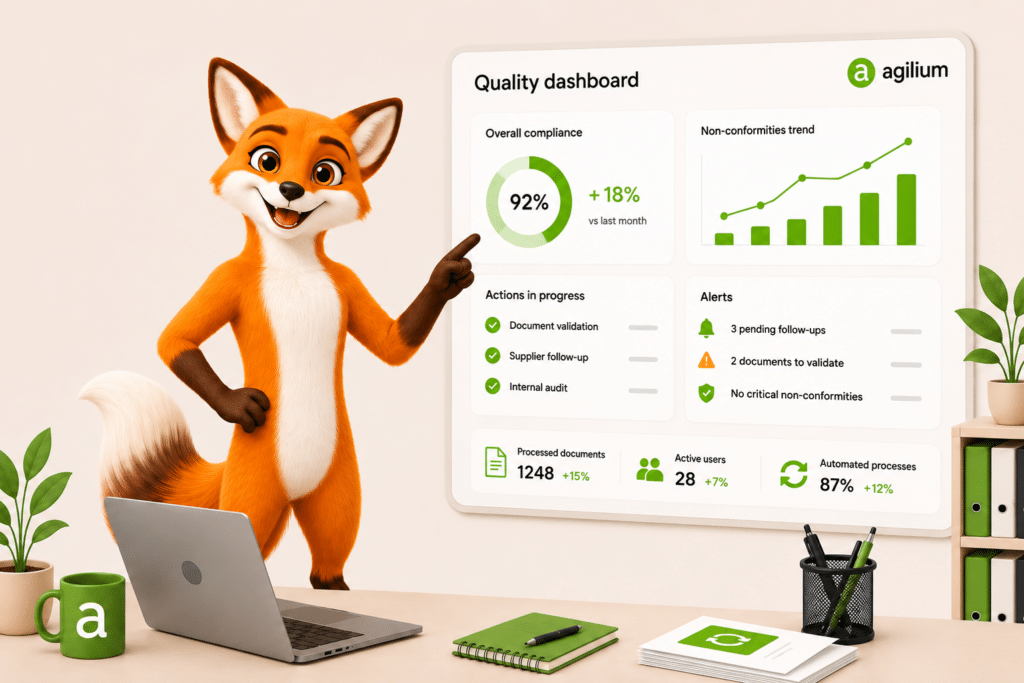
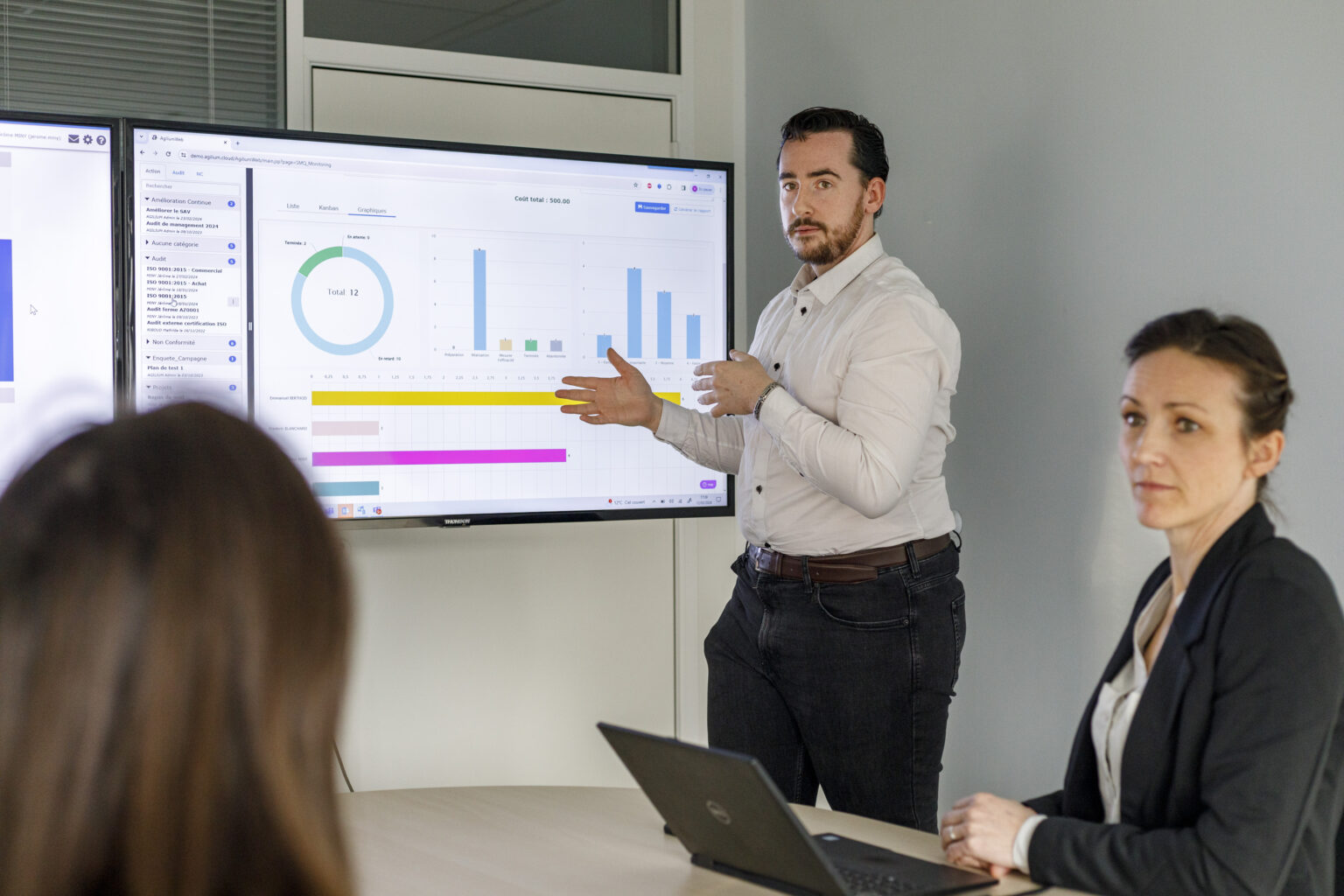
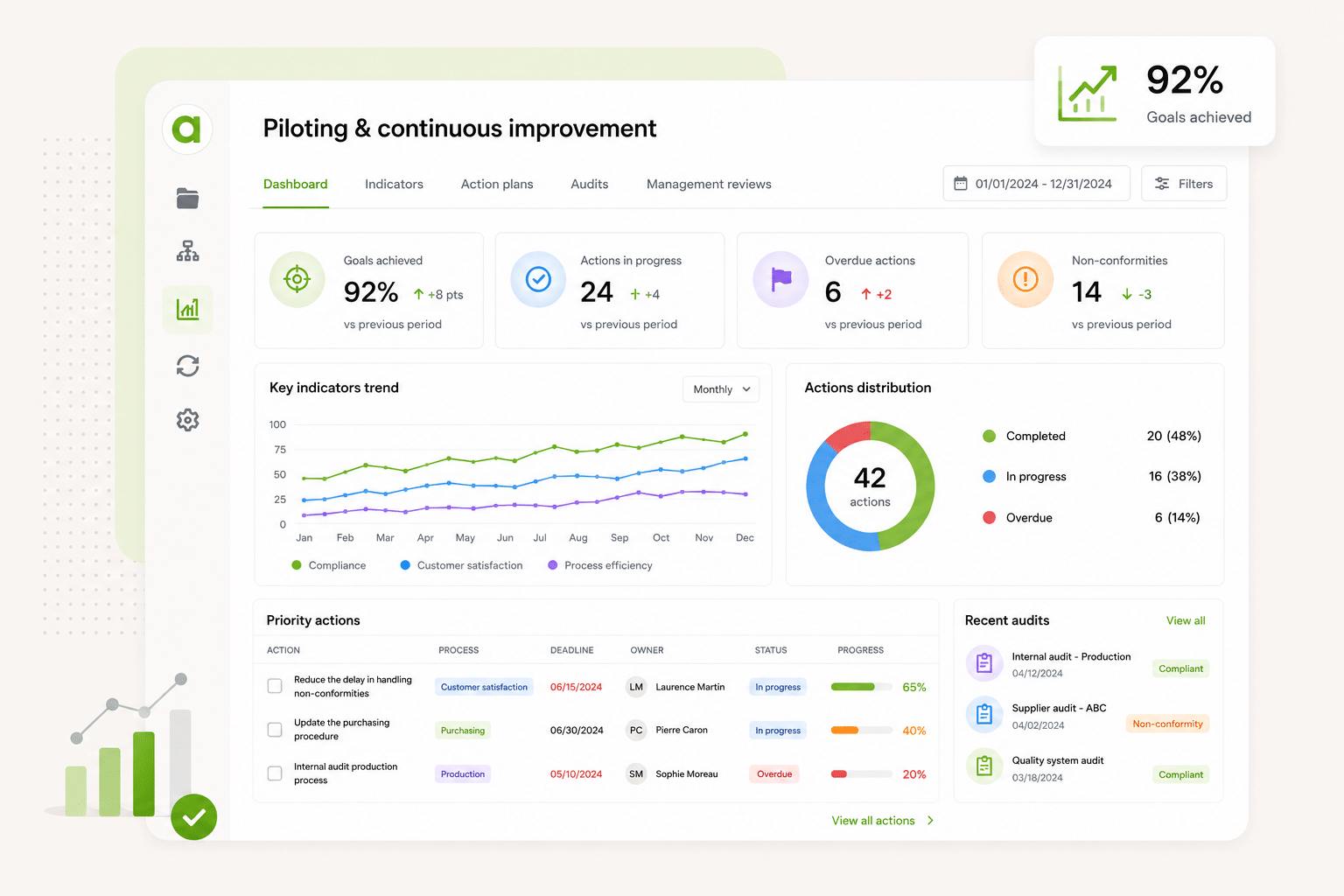
A real-time quality dashboard, configurable by process or by site, that tracks your metrics, alerts you when a target isn’t met, and prepares your management review without the need for manual data entry.
Your metrics are viewable in real time, without the need to compile or restart the drivers
No more consolidating files or sending emails to get the numbers. Your metrics are updated in real time and visible at a glance to the right people at the right time.
The management review can be prepared in just a few clicks—not two weeks of work in spreadsheets
Audits, nonconformities, action plans, metrics: it’s all already in Agilium. When the review is coming up, you just aggregate the data—you don’t have to rebuild it from scratch.
A red indicator triggers a corrective action without changing tools
When a goal isn’t met, you can create an action plan directly from the dashboard.
The Solution
Agilium centralizes and organizes your ISO compliance
Agilium’s continuous improvement module centralizes audits, nonconformities, action plans, metrics, and management reviews in a single tool with automated workflows, ready-to-use ISO templates, and real-time monitoring of your QMS
Agilium enabled us to build and digitize our quality system and obtain our ISO 9001 certification in less than a year. The solution is particularly well-suited for small industrial businesses thanks to its ease of use and comprehensive coverage of quality processes. We now manage our audits, risks, nonconformities, action plans, and documents from a single platform. Our teams quickly adopted the tool, and we now have a clear and structured view of our QMS. It’s a real asset in supporting our growth.
Thierry Casanova
Quality Manager
Premium Energy
Energy-Efficient Renovation
The activity history with export and filter options is really handy. I give monthly presentations to my management team on what’s going on, and this lets me put together a report in two minutes: I filter what I want to show, export it, and I’m done. The favorite documents for my teams, the FAQ right in the tool… these are the little things that really make a difference every day. Generally speaking, people find their way around it. We set up the folders together, so they’re pretty comfortable with it. And what we’ve always appreciated about Agilium is how responsive they are: when I have a question, I get a clear answer within half a day. For an SME like ours, that’s really helpful.
Justine SAINT MARTIN
Quality and QSE Manager
UPEC
Higher Education
Agilium is, overall, a fairly practical solution that allows us to work flexibly on our problems and challenges. We see the solution evolving over time. In addition, follow-up by our contacts at the service provider is smooth and consistent, which is a major plus. We appreciate the ability to work on action plans, audits, and processes. We also appreciate the flexibility offered in terms of the software interface layout.
Alexandre Leroy
Internal and Organizational Auditor
Losange
Manufacturers
EDM at Its Best: User-friendly system, layout, tracking of reading information…
Frédéric Rivet
QMS Manager
Lustucru Frais
Food production
We had a great experience with a sales representative who was very attentive to our needs. The email-based workflow system with read receipts is excellent.
Aline FAVIER
Quality Engineer
Medissimo
App for Pharmacists
So far, the setup is going very smoothly, and the configuration is very simple. The main advantages we see are its ease of use and configuration.
Emmanuel Leclerc
Director of Internal Operations & Quality Manager
Frequently Asked Questions
Everything You Want to Know About Agilium
A platform designed to centralize your operations, automate your processes, and engage your teams in a more streamlined quality initiative.
Can you configure your own metrics, or are the dashboards fixed?
Yes, the indicators are fully customizable.
For each process sheet, you can create your own metrics and define the associated information: label, objective, monitoring frequency, unit of measurement, alert threshold, target value, person in charge, etc.
The metrics are primarily numerical and text-based, with a target value to be achieved, which makes it easy to track the performance of each process.
Dashboards are therefore not static. They automatically consolidate all the metrics defined in your processes to provide a quick, centralized overview of the management system’s performance.
INDICATORS
Can each process owner see only their own documents and metrics?
Yes, in Agilium, each process owner can have a view limited to their own documents and metrics, with read and edit permissions.
For other processes and documents, he has read-only access.
The quality manager, for his part, retains overall control of the application: managing access, viewing and editing content, and assigning roles across all processes and documents.
ELECTRONIC DOCUMENT MANAGEMENT, INDICATORS
Ready to transform your quality approach ?
Join the 250 organizations that manage their quality with Agilium. Our experts based in Grenoble will guide you every step of the way—with no offshore staff and no surprises.